Your VRChat avatar,
from idea to upload.
Describe it or import photos you have permission to use. Helmsay drafts the concept, builds the model, rigs it with PhysBones and expressions, and exports it. Runs on your Windows PC. You choose whether any step uses a cloud AI service.
Helmsay 1.0.9 is coming soon. Downloads aren't open yet.
Names are trademarks of their owners.
An avatar studio that lives on your PC. You stay in control of every step, from the first description to the file you upload, and nothing gets built until you've approved the concept.
Five steps.
You approve each one.
Every step can be reviewed, redone or edited by hand. Start in Basic mode and Helmsay walks you through it.
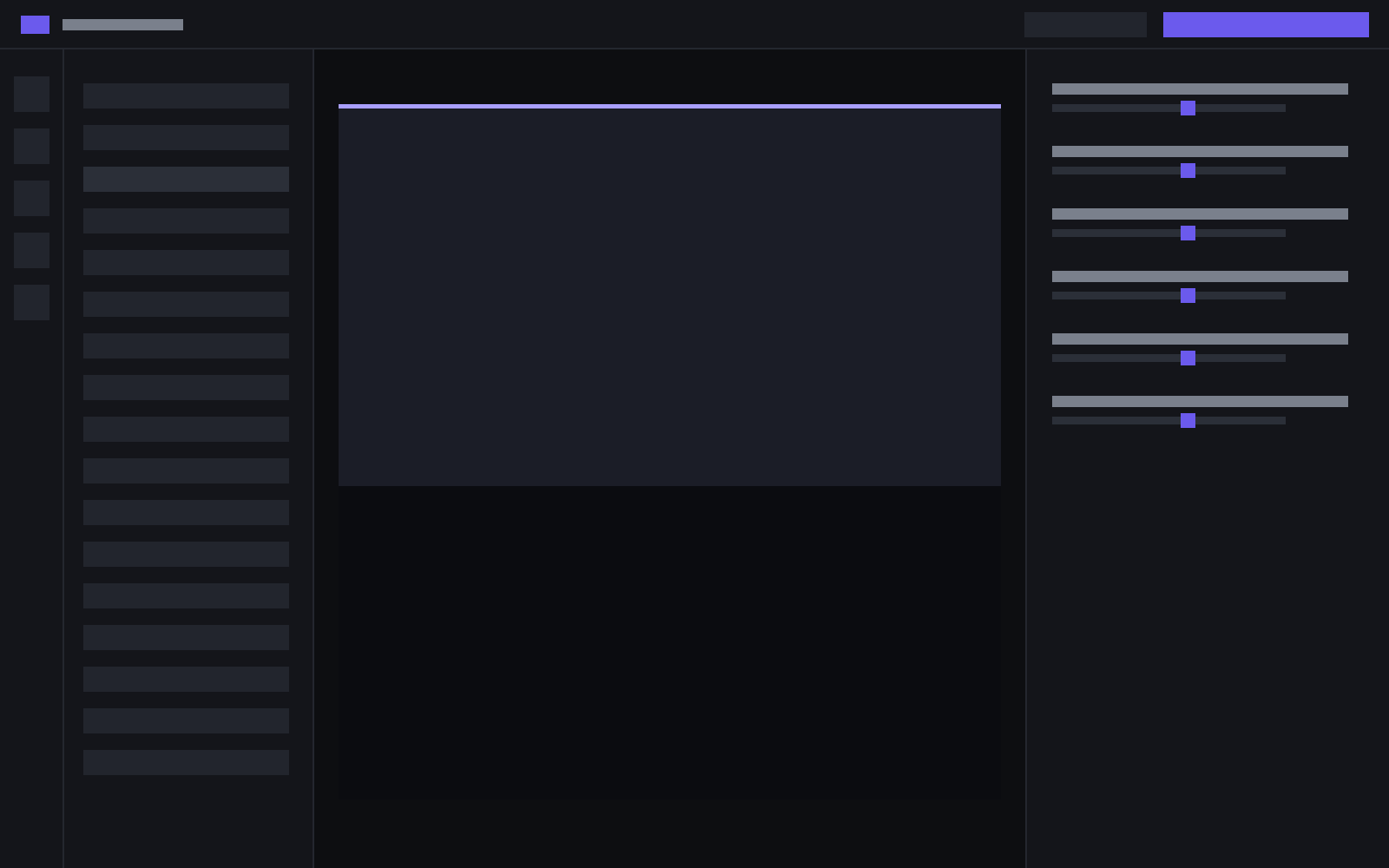
Everything after the model,
already handled.
Rigging, expressions, presets and a VTuber window. You don't have to stitch five tools together.
Webcam tracking drives the avatar. A green-screen window drops into OBS as a window capture. The camera picture stays on your PC.
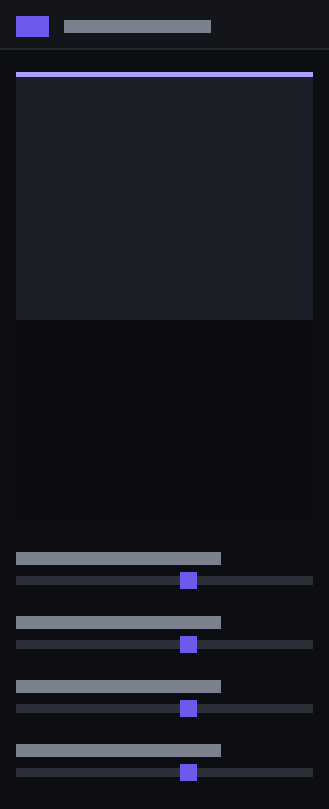
Switch any time. The project stays the same; only the number of controls changes.
Run a step on your GPU, or send it to an online service you choose.
Hair, ears and tails move. Face expressions are set up for you.
A VRChat-ready project or a .vrm file. Full-body and Quest presets on Pro.
Open the sample avatar from the welcome screen to try the preview, a tweak and an expression.
Helmsay 1.0.8
Helmsay 1.0.8
A missing camera stays off, and the Windows build no longer crashes while MediaPipe is cleaning up.
A 1.0.6 or 1.0.7 install is offered this version. If you already have the newest version, Check for updates says you're up to date.
No. Helmsay itself is light. You do not need a 16 GB graphics card to download it, open it, or use it. The heavy requirements come from the optional tools Helmsay connects to. Without a strong card, send those steps to an online service you choose.
Yes. Keep up to 3 avatar projects at a time. Delete one to make room for another. No monthly limit. Pro starts with a 14-day trial.
A 3D program you install, a game engine you install, and the avatar platform SDK, but only for the steps that use them. The PC check tells you what's missing.
Only with that person's permission. Helmsay reminds you when you import photos or video.
Start your first avatar today.
Free plan. Basic mode walks you through the first build.
Windows 10 (1903+) / 11 · x64
Helmsay 1.0.9 is coming soon. Downloads aren't open yet.